Disclosure: This tax compliance hub is educational. It is not legal, tax, accounting, or financial advice. Sales tax, VAT, nexus rules, registration thresholds, invoice requirements, and payroll deposit calendars change by jurisdiction and by year. Verify details with state tax agencies, HMRC or EU tax authorities where relevant, the IRS, your payroll provider, and a qualified professional before you act. This page has no Melio or Gusto product CTAs.
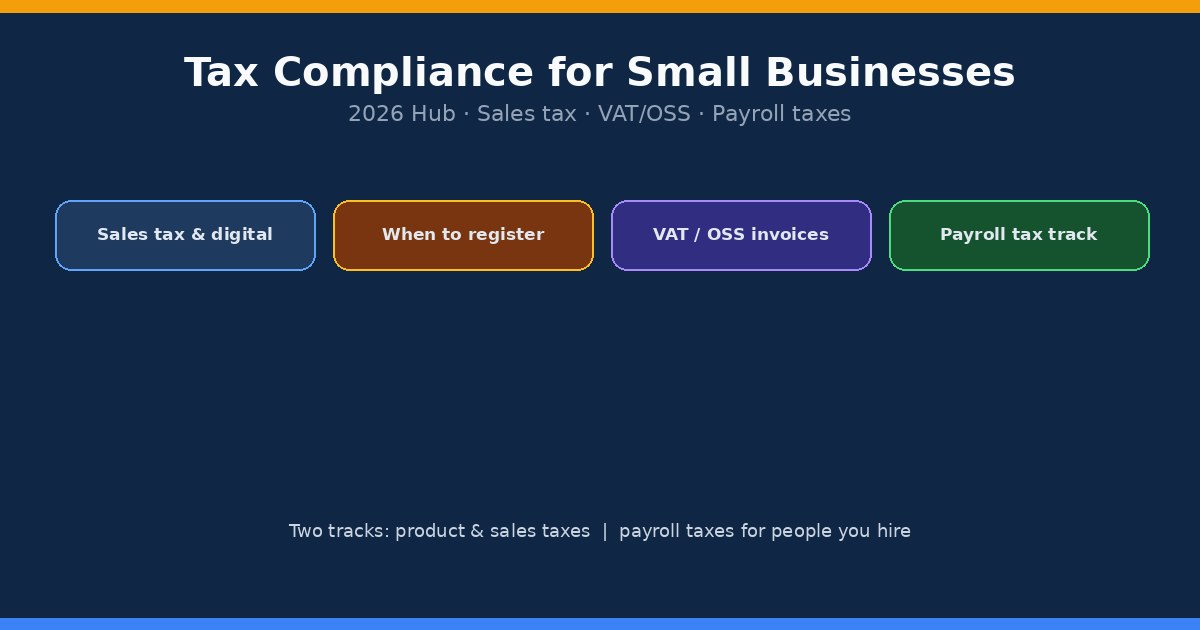
Tax compliance for small businesses is the work of collecting, remitting, and documenting the right taxes on what you sell and on the people you hire. Those two jobs share a calendar and a bookkeeping file, but they are separate systems. Sales tax, digital product VAT, and One Stop Shop (OSS) rules follow your customers and product types. Payroll taxes follow your workforce and deposit schedules. Mixing them in one spreadsheet is how owners miss a registration or a deposit.
This page is the cluster hub. Use it to pick a track, then follow the linked guides for checklists, nexus details, invoice fields, and tool comparisons. Soft links only. No Melio. No Gusto signup buttons here.
What this hub covers
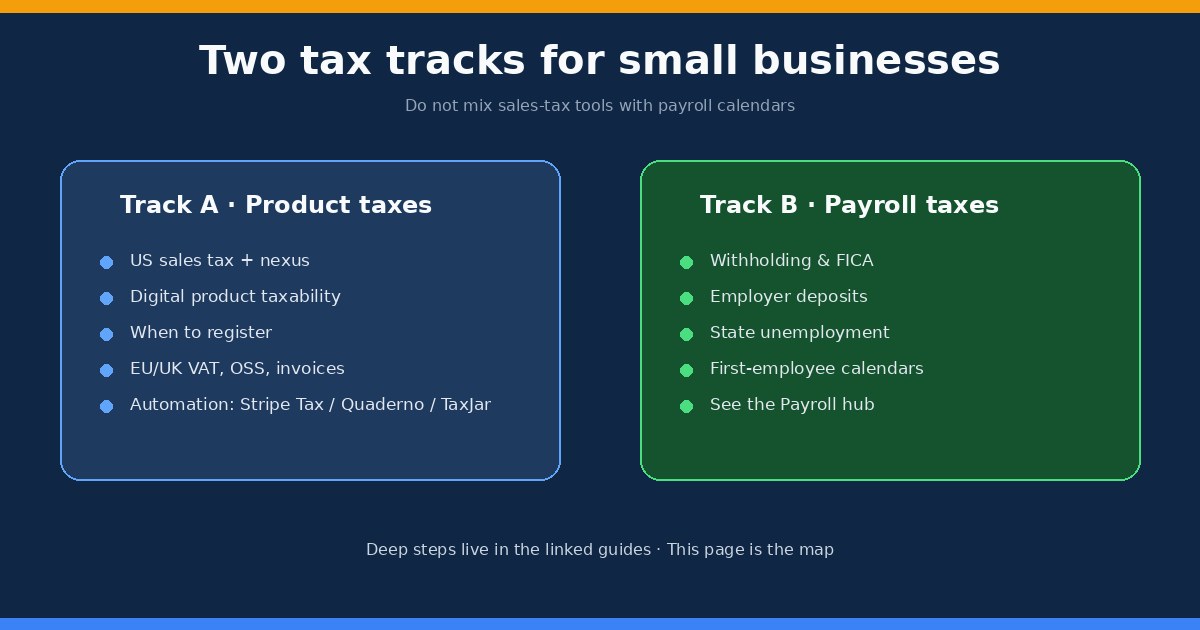
Track A (product taxes): US sales tax on digital and physical goods, economic nexus, when to register, EU/UK VAT on digital B2C sales, OSS, invoice evidence, and automation tools such as Stripe Tax, Quaderno, and TaxJar.
Track B (payroll taxes): withholding, FICA, employer deposits, unemployment taxes, and first-employee calendars. That work lives in the payroll hub and in payroll taxes for your first employee. You will see a short map here so you do not drop payroll into a sales-tax tool by mistake.
Who this hub is for: digital product sellers, SaaS and course creators, multi-state online shops, and owners hiring their first employee who need the tax map without another mega how-to. Who should skip ahead: readers who already know their track and only need a deep guide. Use the reading path below.
Sales tax and digital products
US sales tax is state and local, not a single federal rate on what you sell. Taxability and nexus are different questions. A downloadable template can be taxable in one state and exempt in another. A SaaS subscription can sit in a gray zone until you read that state’s digital goods or software rules. Marketplace facilitators (Amazon, Etsy, and similar) often collect and remit for sales they process, which does not erase your obligations on direct checkout sales.
Start with the plain question in do digital products need sales tax. Then map where you have a connection to a state in sales tax nexus for digital products. Economic nexus (sales or transaction thresholds) is the usual trigger for remote sellers. Physical nexus still matters if you have inventory, staff, or an office. Do not treat a blog post threshold as law; confirm the current figure with the state.
Practical ops habits help before you buy software. Record customer location at checkout with enough evidence for audits. Separate taxable and non-taxable SKUs. Keep a list of states where you are registered or monitoring. If a marketplace already remits, label those channels so you do not double-collect on the same order stream.
When to register for sales tax
Registration timing is the expensive mistake. Collecting tax without a permit, or waiting months after you crossed a threshold, both create cleanup work. The decision usually looks like this: confirm taxability for your product type, measure sales and transactions against each state’s economic nexus rules, check whether a marketplace already remits for that channel, then register before you start collecting on direct sales.
Use when should an online business register for sales tax for the trigger checklist and sequence. After you register, set filing frequencies the state assigns you, store login credentials securely, and decide who owns monthly reconciliation. Automation tools calculate and can file in some cases, but registration and legal responsibility stay with you.
VAT invoices and OSS for digital products
If you sell digital services to consumers in the EU or UK, VAT rules sit beside US sales tax, not inside it. B2C digital supplies often require VAT registration through OSS (EU) or the UK equivalent, location evidence (billing address, IP, payment data), and invoices or receipts with the right fields. B2B sales with a valid VAT ID often reverse-charge, which changes what you print and what you remitt.
Track invoice fields, evidence, and B2B versus B2C splits in VAT invoice requirements for digital products. OSS simplifies filing across EU member states for many remote sellers, but it does not remove the need for correct rates, place-of-supply logic, and records. US sellers who suddenly get European buyers through a course launch often discover this after the first busy month. Build the evidence trail early.
Automation tools: calculate, file, or both
Sales tax automation is not one product category. Some tools focus on rate calculation at checkout. Others add filings, VAT invoices, multi-gateway support, or US AutoFile. For Stripe-billed subscriptions, Stripe Tax is often the fastest start. Quaderno fits multi-gateway and VAT-heavy workflows. TaxJar is a common pick when US filing and AutoFile matter most. None of them replace your decision to register.
Compare lanes in best sales tax automation for digital subscriptions, then go deeper with Quaderno vs Stripe Tax and Quaderno vs TaxJar. Soft picks only on this hub. Match the tool to your checkout stack and geography before you optimize for price. Wrong tool plus correct registration still leaves you with invoice or filing gaps.
Payroll taxes: a separate track
Hiring your first employee opens a different compliance calendar. You withhold federal income tax, Social Security, and Medicare, add the employer share of FICA, handle federal unemployment where it applies, and follow state withholding and unemployment rules. Deposit schedules depend on your lookback and amounts. Year-end brings W-2s. Contractors use a different form path (W-9, 1099-NEC) and should not be paid as W-2s for convenience.
Sales-tax software will not run payroll deposits. Payroll software will not register you for economic nexus. Keep the systems separate even if one bookkeeper reconciles both. For the first-hire tax map, read payroll taxes for your first employee. For the wider cluster (classification, software, LLC draws), use the payroll hub.
Start here: reading path
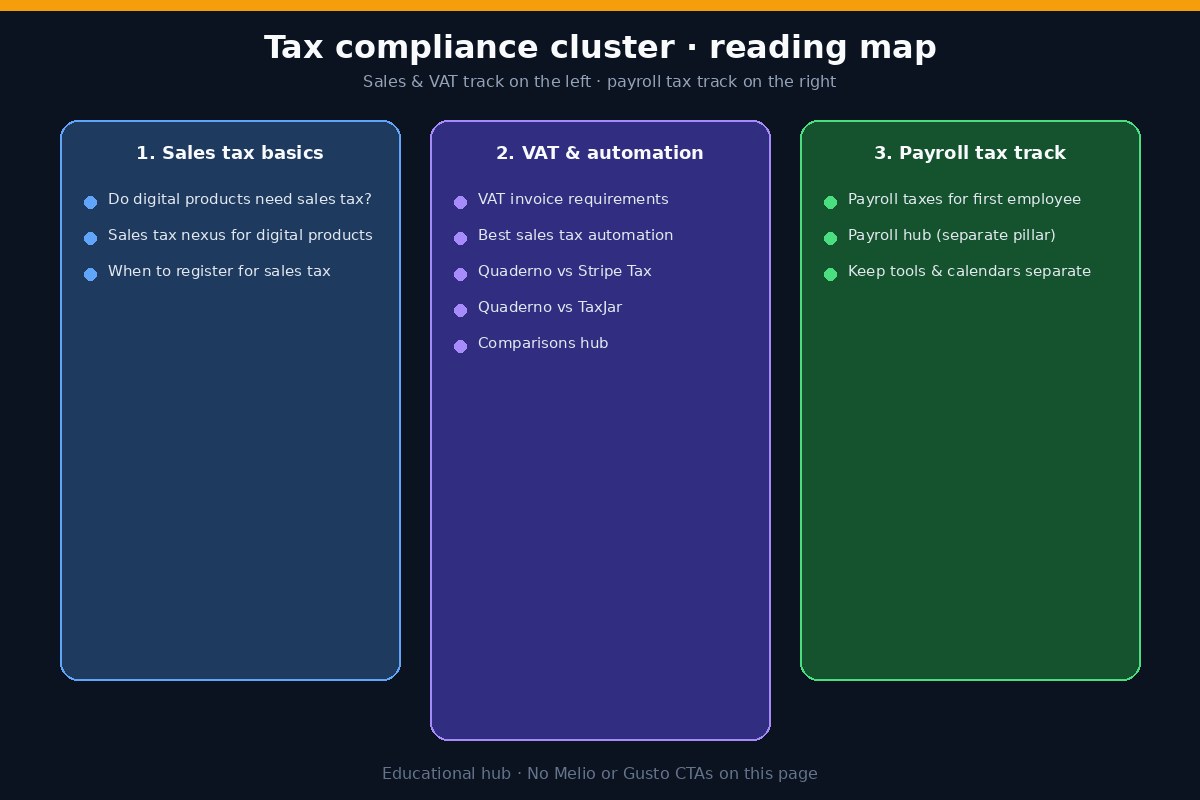
If you sell digital products in the US: read do digital products need sales tax, then sales tax nexus for digital products, then when to register.
If you have EU or UK consumers: add VAT invoice requirements before you scale ads into those markets.
If you need a calculation or filing tool: start with best sales tax automation for digital subscriptions, then the Quaderno comparisons above. More tool pages live under comparisons.
If you are hiring: leave this track and open payroll taxes for your first employee plus the payroll hub.
FAQ
Is sales tax the same as VAT?
No. US sales tax is state and local, usually charged on taxable retail sales when you have nexus. VAT is a value-added tax used in the EU, UK, and many other countries, with different registration, rates, and invoice rules. A US digital seller can face both on the same product line for different customers.
Do I need sales tax software on day one?
Not always. If you sell in one state with simple taxability and low volume, a careful manual process can work briefly. Once you sell into many states, run subscriptions, or sell to EU/UK consumers, calculation errors and missed filings get expensive faster than a starter plan.
If a marketplace collects tax, am I done?
Only for the sales that marketplace remits. Direct website sales, invoiced B2B deals, and other channels are still yours. Keep channel-level reports so you can prove what was remitted where.
Can one tool handle sales tax and payroll taxes?
Some platforms bundle modules, but the compliance logic stays separate. Treat product tax and payroll tax as two tracks with different registrations, deposits, and year-end forms. See the payroll hub for people taxes.
What should I keep for an audit?
For sales and VAT: product taxability notes, nexus monitoring, registration certificates, rate sources, customer location evidence, invoices, filing confirmations, and marketplace remittance reports. For payroll: W-4/I-9 (and state forms), pay records, deposit receipts, and filed returns. Retention periods vary; ask your advisor for your states and entity type.
Where do official rules live?
State department of revenue sites for US sales tax, IRS and state workforce agencies for payroll, and HMRC or EU Commission / national tax portals for VAT and OSS. This hub routes you to practical guides; the agencies publish the controlling rules.
Related hubs and next steps
Stay on product taxes with the guides linked above, or switch to people taxes via the payroll hub. Tool-by-tool pages sit in comparisons. Revisit this map when you add a new product type, a new country of buyers, or your first employee. Rules and product features change; confirm current thresholds and filing options before you collect or withhold.